
Home / Handy Tips /
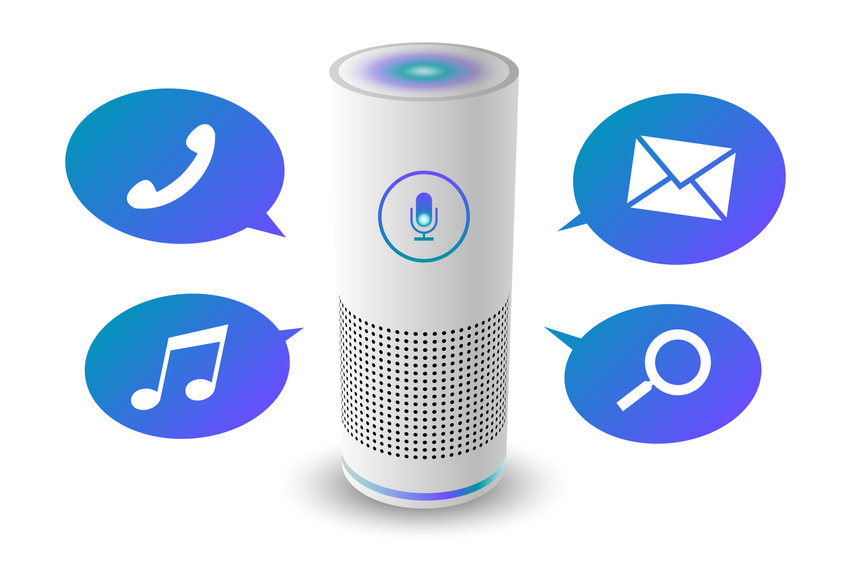
Smart speakers are a hot in-home piece of tech that, once installed, you’ll find yourself wondering how you ever lived without one. Smart speakers can:
- Play music from your favourite app playlists, like Spotify
- Check the weather forecast
- Make and receive calls
- Answer questions, make lists and take notes
- Set alarms and reminders
- Turn on other connected smart devices and services, like lights, air conditioning and the TV
Along with many more features that make these devices very handy indeed. Google’s Alexa and Amazon’s Echo are among two of the most popular smart speakers on the market, but there are many more available.
As with any internet connected device, placement is key, and we have some tips for maximising your home smart speaker placement to get the most from it.
How do smart speakers work?
Smart speakers are connected via the internet to cloud-services via a platform like Google or Amazon. They are made up of multiple microphones, a speaker, computer componentry and in-built virtual assistant software that is activated with a “wake” word. For the smart speaker to work effectively, it needs to be able to clearly hear the user say the wake word, so placement is important.
Maximising smart speaker placement
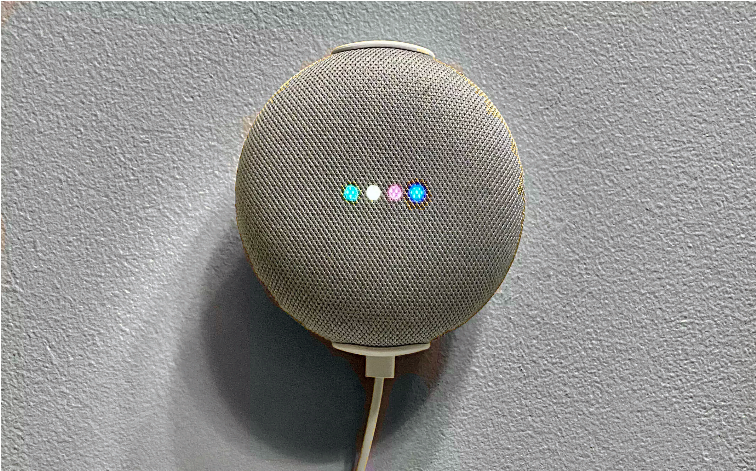
Aim to place your smart speaker as centrally in the room as possible, so it has full 360-degree access to your voice, no matter where you stand. This may be problematic when you consider power cords, so a handy tip for maximising your smart speaker placement is to ceiling mount it.
If it’s not feasible to place it centrally in the room or mounted on the ceiling, on a coffee table or side table is a good option, or on a kitchen bench or island. And if all else fails, wall mounting may be the only alternative. Some smart speakers come with mounting componentry, and some you will need to embed into a wall or ceiling with the aid of your home handyman or woman.
Where not to place your smart speaker
- Because your smart speaker has multiple microphones listening for your voice, avoid placing it against a wall where some of the microphone capability will be diminished and sound may bounce or echo.
- Having your smart speaker snuggled up on the kitchen bench between other objects may muffle the microphone and sound.
- Avoid putting your smart speaker by a window or in view of a window, where it will pick up voices through the glass, including voices of people that you don’t want directing a smart device that controls your home. Criminals won’t hesitate to exploit a weakness in your home security.
Going smart
Connected devices like smart speakers can transform how you use the internet and your connected devices in your home. They come in all different shapes, sizes, colours and brands, and have varying levels of features and capability. Maximising your home smart speaker placement will ensure you’re getting the most from your device, so you can get on with simply enjoying it.
Get your home technology devices connected
Maximise your home technology and connected devices, including home smart speakers. Give us a call on 1300 553 166 or fill out our contact form, and we’ll get straight back to you.










Leave A Comment