Lost important files in Melbourne? Whether your hard drive has crashed, your SSD stopped working, you’ve accidentally deleted files, or your data was hit by ransomware — Computer Cures specialises in professional data recovery across all of Melbourne. View all data recovery services →

Think about everything stored on your computer — work projects, financial records, family photos, irreplaceable memories. Data loss can strike without warning, and when it does, you need fast, reliable help from a team you can trust.

This guide covers everything you need to know about data recovery in Melbourne: how it works, what it costs, which types of media we recover from, and what to do the moment data loss occurs.

data recovery Melbourne

What Is Data Recovery?

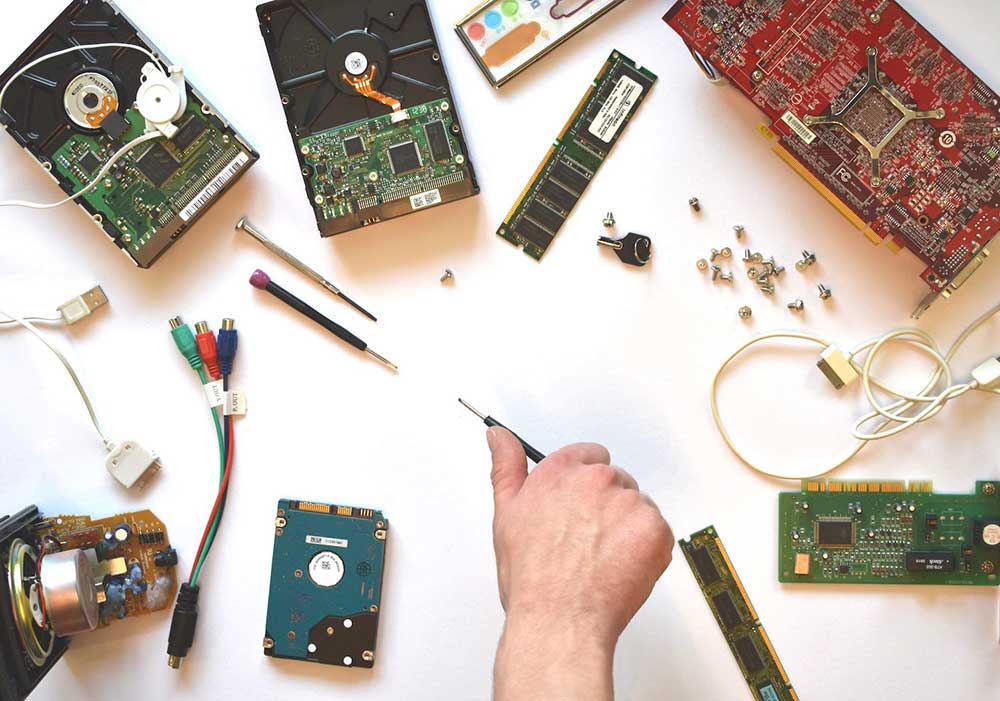
Data recovery is the process of retrieving inaccessible, lost, corrupted, damaged, or formatted data from storage devices — including hard disk drives (HDDs), solid state drives (SSDs), USB flash drives, SD cards, RAID arrays, NAS devices, mobile phones, and more.

At Computer Cures, our Melbourne-based data recovery technicians use professional-grade tools and techniques to recover data from a wide range of failure scenarios. We handle both logical failures (software/file system issues) and physical failures (hardware damage).

Data recovery success rates depend on the cause of failure, how quickly you act, and whether the device has been used since data loss occurred. For the best chance of recovery, stop using the device immediately after data loss and contact a professional.

Common Causes of Data Loss in Melbourne

Data loss can happen in many ways. Understanding the cause helps our technicians choose the right recovery method:

  • Accidental deletion — files or folders deleted by mistake (including emptied Recycle Bin)
  • Hard drive failure — mechanical failure, clicking sounds, motor failure or head crash
  • SSD failure — NAND flash degradation, controller failure, or firmware corruption
  • Ransomware & malware — files encrypted or deleted by malicious software
  • Water or liquid damage — laptop spills, flooding, or humidity damage
  • Physical damage — dropped devices, broken connectors, fire or heat damage
  • Corrupted file system — partition errors, formatting accidents, OS corruption
  • Power surge or failure — unexpected power loss mid-write causing file system damage
  • RAID array failure — multiple drive failures, controller failure, or rebuild errors
  • NAS/server failure — network-attached storage or server-level data loss

Our Melbourne Data Recovery Services

Computer Cures offers comprehensive
data recovery services in Melbourne for every type of storage
media and failure scenario:

  • HDD Recovery
  • SSD Recovery
  • RAID Recovery
  • Ransomware Recovery
  • iPhone Recovery
  • USB Recovery
  • MacBook / iMac
  • Email / PST
  • Emergency Recovery

lost data recovery

How Data Recovery Works: By Failure Type

Accidentally Deleted Files

When you delete a file, it isn’t immediately erased from the storage medium. The file system simply marks that space as available for new data. Until that space is overwritten, the original data can typically be recovered using professional data recovery software. Speed is critical — the more you use the device after deletion, the higher the risk of overwriting your files.

Hard Drive Failure (HDD)

HDD failures are classified as either logical (file system errors, partition corruption) or physical (clicking, grinding, motor failure, head crash). Logical failures are often resolved with advanced software tools. Physical failures may require clean-room work to safely extract the platters and read data. Our hard drive data recovery service covers both.

Solid State Drive (SSD) Recovery

SSDs present unique challenges. TRIM functionality, which improves performance, can quickly make deleted files unrecoverable. Controller chip failures and NAND degradation require specialist techniques. Our SSD data recovery Melbourne team handles logical corruption, accidental formatting, and chip-level recovery.

Ransomware & Malware Data Recovery

Ransomware encrypts or deletes your files and demands payment for their return. Paying the ransom doesn’t guarantee recovery. In many cases, our team can recover data from ransomware attacks using shadow copies, backups, or specialised decryption tools. See our ransomware data recovery service for more information. For tips on preventing future attacks, read our guide on how to recover files after a ransomware attack.

Water-Damaged or Physically Damaged Drives

Liquid damage from coffee spills, flooding, or humidity, along with physical impacts from drops or crushing, can damage the internal components of drives. These cases often require specialised hardware intervention. Learn more about recovering data from a water-damaged laptop.

RAID & NAS Data Recovery

RAID arrays and NAS systems are common in business environments. When RAID controllers fail or multiple drives experience issues simultaneously, the consequences can be severe. Our team handles all RAID levels (0, 1, 5, 6, 10) and NAS brands. Visit our RAID data recovery page for more details.

MacBook & iMac Data Recovery

Apple’s T2 chip encryption and proprietary SSD formats make Mac data recovery more complex than standard PC recovery. Our MacBook and iMac data recovery service covers logical failures, physically damaged drives, and accidental formatting. See also: how to recover lost data from MacBook or iMac.

Our Data Recovery Process: Step by Step

When you bring a device to Computer Cures for data recovery in Melbourne, here’s exactly what happens:

Free Diagnosis & Assessment

We examine your device to determine the nature and extent of the failure. We identify whether it’s a logical or physical issue and provide an upfront quote before any work begins.

Recovery Attempt

Using professional-grade data recovery tools (including Recuva, R-Studio, PC-3000, and proprietary software), we attempt to recover your lost files. Physical recoveries may require clean-room-level work.

Verification & Reporting

Once recovery is complete, we provide a file list so you can verify the data before paying. You only pay when we’ve successfully recovered what you need.

Secure Delivery

Recovered data is transferred to a new drive, USB, or cloud storage — whichever you prefer. We advise on a backup strategy to prevent future data loss.

Data Recovery Cost in Melbourne: What to Expect

One of the most common questions we receive is: “How much does data recovery cost in Melbourne?” The answer depends on the type of media, the nature of the failure, and the urgency of the job. Here’s a general guide:

Recovery Type Typical Price Range Turnaround
Accidental deletion (HDD/SSD – logical) $150 – $350 1–3 days
Formatted drive recovery $200 – $400 1–3 days
Corrupted file system $200 – $450 1–3 days
Physical HDD failure $500 – $1,500+ 3–7 days
SSD recovery (logical) $250 – $500 2–5 days
RAID / NAS recovery $800 – $3,000+ 5–10 days
Ransomware recovery $300 – $1,500 2–7 days
Emergency same-day recovery POA Same day

For a detailed breakdown, see our guide: data recovery cost in Melbourne. We operate on a no data, no charge policy for most standard cases — if we can’t recover your data, you don’t pay for the recovery work.

DIY Data Recovery vs Professional Data Recovery Melbourne

It’s tempting to try free data recovery software first. Tools like Recuva can be useful for simple accidental deletion cases on healthy drives. However, DIY recovery attempts carry significant risks:

  • Installing recovery software writes data to the drive, potentially overwriting what you’re trying to recover
  • DIY tools cannot recover data from physically damaged drives
  • Incorrect partition repair tools can make a bad situation worse
  • TRIM on SSDs makes DIY SSD recovery very difficult

For a balanced view, see our article on DIY vs professional data recovery. If your data is valuable, professional recovery is almost always the safer and more cost-effective choice in the long run.

The Best Data Recovery Strategy: Don’t Need It

The most reliable way to handle data loss is to have robust backups in place before it happens. Our experts recommend:

  • Cloud backup — automatic, offsite, always accessible. See our cloud backup service.
  • External hard drive backup — fast local restore for large files
  • NAS (Network-Attached Storage) — ideal for homes and small businesses. Learn more about NAS for small business.
  • The 3-2-1 rule — 3 copies of data, on 2 different media, with 1 offsite

Need help setting up a reliable backup system? Visit our backups and disaster recovery page or read our guide on cloud backup vs external hard drive.

Frequently Asked Questions: Data Recovery Melbourne

How much does data recovery cost in Melbourne?

Data recovery costs in Melbourne range from approximately $150 for simple accidental deletion cases to $3,000+ for complex RAID or physically damaged drive recoveries. Computer Cures provides a free upfront assessment and operates on a no data, no charge policy for most standard cases. See our full data recovery pricing guide.

Can you recover data from a dead or clicking hard drive?

Yes. A clicking hard drive typically indicates a mechanical failure — often a read/write head issue. In many cases, data can still be recovered, but the process requires physical intervention. Stop using the drive immediately and bring it to us. Do not attempt to run disk utilities or recovery software on a clicking drive.

How long does data recovery take?

Most logical data recovery jobs (accidental deletion, corrupted file systems) are completed within 1–3 business days. Physical hard drive recovery takes 3–7 days. RAID recovery may take 5–10 days depending on complexity. Emergency same-day data recovery is available for urgent cases — call us on 13 0055 3166.

Is my data kept confidential?

Absolutely. All data recovery work at Computer Cures is handled by our own certified technicians — we never outsource your data to third parties. Your data is deleted from our systems after recovery is complete unless otherwise requested.

Can you recover data from a water-damaged laptop?

Yes, in many cases. Liquid damage to the laptop may not have permanently damaged the storage drive. Our technicians assess the drive independently from the rest of the laptop components. See our guide on water-damaged laptop data recovery.

Do you recover data from iPhones?

Yes. We offer iPhone data recovery for deleted photos, messages, contacts, and more. Recovery from iCloud backups and iTunes backups is also available.

What if data recovery is not possible?

In some cases — such as severely overwritten drives or heavily damaged NAND — full recovery may not be achievable. We will always give you an honest assessment. Under our no data, no charge policy, if we cannot recover your data, you will not be charged for the recovery attempt (assessment fees may apply for physical cases).

Data Recovery Services Across Melbourne

Computer Cures provides data recovery services across all Melbourne suburbs, including:

Can’t come to us? Our technicians offer on-site data recovery and on-site IT support across the Melbourne metro area. Contact us to arrange a visit.